



How to Pair iPhone with Chevy MyLink: To connect your iPhone to Chevy MyLink, enable Bluetooth on your iPhone through Settings, then access the Phone icon on your vehicle’s touchscreen and select “Add Phone” or “Pair Device.” Select your iPhone from the available devices list, confirm the pairing code matches on both screens, and tap “Pair” to complete the connection. For enhanced features, download the MyChevrolet app and set up Apple CarPlay for seamless smartphone integration.
Did you know your iPhone can turn your Chevrolet into a smart car? You can control apps, make calls, and stream music without taking your hands off the wheel.
At Northcutt Chevrolet, we know car tech can be tough to get. Our guide will show you how to connect your iPhone to Chevy MyLink easily. This ensures your iPhone works perfectly with your Chevy.
Modern Chevys have MyLink tech that supports the Chevy MyLink app for iPhone. This keeps you connected while keeping you safe on the road. Whether you drive a Silverado, Tahoe, or Traverse, this guide will unlock your car’s tech.
Our instructions are easy to follow, even if you’re not tech-savvy. By following our guide, you’ll make your driving experience better. You’ll also connect your digital life with your Chevrolet.
Get ready to see how simple it is to link your iPhone to your Chevy’s system. Enjoy a smarter, safer, and more fun drive.
Still Stuck? Call Our Service Team at (800) 934-8168!
Preparing Your iPhone for Chevy MyLink Connection
To connect your iPhone to Chevrolet MyLink, follow a few easy steps. Make sure your device is ready to avoid pairing problems.
Your iPhone must be set up for a good connection with your Chevrolet’s system. This involves two main steps to improve compatibility with MyLink.
Enabling Bluetooth on Your iPhone
Bluetooth is key for linking your iPhone to Chevrolet MyLink. Here’s how to turn it on:
- Open the Settings app on your iPhone
- Tap on “Bluetooth”
- Toggle the Bluetooth switch to the on position
- Verify the switch turns green, indicating Bluetooth is active
Keep your iPhone on the Bluetooth screen. This makes it easy for your Chevrolet’s MyLink to find and connect with your device.
Updating Your iPhone Software
Keeping your software up to date is important for good device connection. Old software can cause problems or limit what you can do.
- Navigate to Settings on your iPhone
- Select “General”
- Tap “Software Update”
- Download and install any available updates
By following these steps, you’ll get a strong and reliable connection between your iPhone and Chevrolet MyLink.

Step-by-Step Guide to Pairing Your iPhone with Chevy MyLink
Connecting your iPhone to Chevy MyLink is easy and makes driving better. It brings you hands-free calls and entertainment. Just follow a few steps to get started.
Before you start, make sure your car is in Park and the engine is on. Here’s what to do next:
- Open Settings on your iPhone
- Select Bluetooth and confirm it’s turned on
- Navigate to your vehicle’s center touchscreen
- Tap the Phone icon
- Choose “Add Phone” or “Pair Device”
- Select your iPhone from available devices
- Confirm the pairing code matches on both screens
- Complete the connection by selecting “Pair”
Once paired, your iPhone will work with your Chevrolet’s system. You can make hands-free calls, stream music, and access contacts through your car’s screen.
Having trouble? Try restarting your iPhone’s Bluetooth and your car’s system. Make sure no other devices are connected to avoid problems.

Chevy MyLink App for iPhone
Your Chevrolet driving experience is more than just Bluetooth. The Chevrolet app for Apple users changes how you use your car. It brings you convenience and control like never before.
MyChevrolet App Features for Apple Users
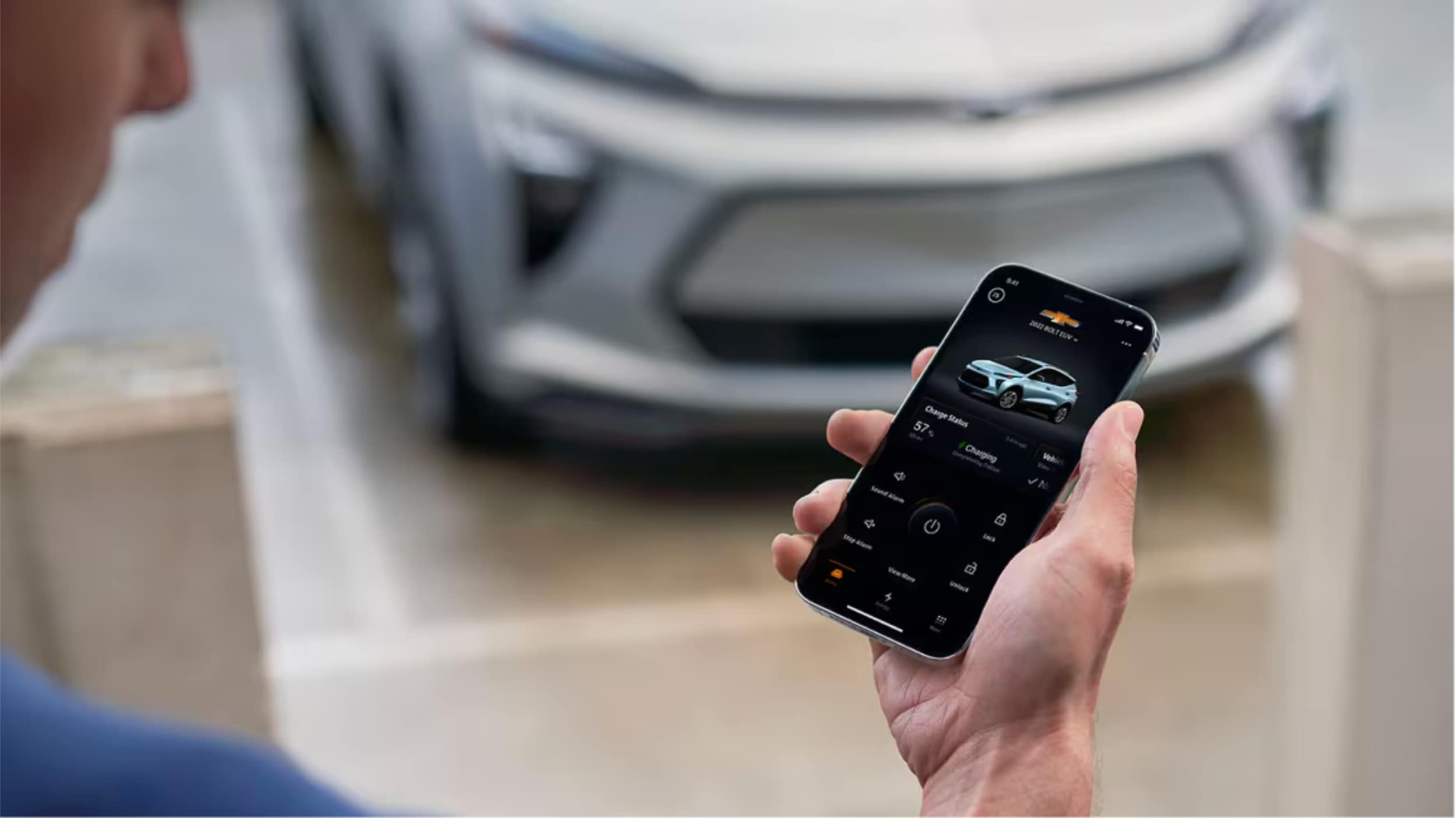
The MyChevrolet app lets iPhone users control their car from afar. You can unlock a range of MyLink app features with your phone:
- Remote vehicle start
- Door lock/unlock control
- Vehicle status monitoring
- Maintenance reminders
- Roadside assistance access
Many Chevrolet models come with a built-in Wi-Fi hotspot. This lets up to seven devices connect. It’s great for family trips or work on the go.
Apple CarPlay Integration with Chevrolet
Apple CarPlay for Chevrolet is top-notch smartphone integration. It mirrors your iPhone on the car’s screen. This gives you easy access to maps, messages, music, and voice controls.
| Feature | Benefit |
|---|---|
| Maps Integration | Real-time navigation |
| Siri Voice Control | Hands-free operation |
| Music/Podcast Access | Entertainment on the go |
Apple CarPlay focuses on safety. It has simple interfaces and voice controls. This keeps your eyes on the road.
Conclusion
Connecting your iPhone with Chevy MyLink makes driving better. It’s easy to link your phone with your car’s tech. We showed you how to do it.
The Chevy MyLink app for iPhone is super handy. It lets you use navigation, music, and calls safely while driving. Just follow our guide to enjoy better trips.
At Northcutt Chevrolet, we want you to get the most from your car’s tech. We know new tech can be tricky, but we’re here to help. Need help with Chevy MyLink or want to learn more about car connectivity? We’re here for you.
Ready to connect your iPhone to your Chevrolet? Visit us at 3201 W Owen K Garriott Rd, Enid, OK, or call (800) 934-8168. Your digital driving journey begins now!
Still Stuck? Call Our Service Team at (800) 934-8168!
FAQ
Is Chevy MyLink compatible with all iPhone models?
Chevy MyLink works with most recent iPhone models running iOS 7.1 or later. However, the features and options can change based on your car’s model and trim. It’s best to check your car’s specific compatibility or talk to a Chevrolet representative.
How do I know if my Chevrolet vehicle supports Apple CarPlay?
Apple CarPlay is available in many Chevrolet models from 2016 on. Check your car’s infotainment system or talk to a Chevrolet dealer like Northcutt Chevrolet to see if your car supports it.
Can I use the MyChevrolet app without an active OnStar subscription?
Yes, you can use some basic features of the MyChevrolet app without OnStar. These include vehicle info and maintenance tracking. However, features like remote start need an active OnStar plan.
How do I update the MyLink software in my Chevrolet?
Update MyLink software through your car’s system by going to Settings > System > Vehicle Software > Updates. Or, during service visits at a dealership like Northcutt Chevrolet, our technicians can update it for you.
What iPhone features work with Chevy MyLink?
Chevy MyLink lets you make hands-free calls, get text messages, stream music, use Siri, and access apps through Apple CarPlay. The exact features depend on your iPhone and car’s system.
Still Stuck? Call Our Service Team at (800) 934-8168!
Connect with us


